Description
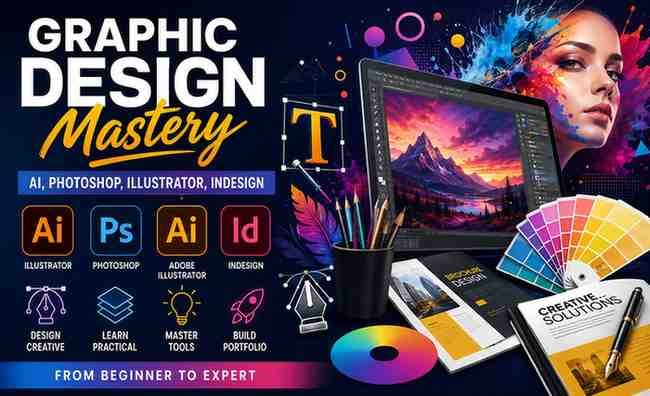
If you’re aiming to build a complete, job-ready graphic design skillset, the course “Graphic Design Mastery – AI, Photoshop, Illustrator, InDesign” presents itself as a powerful all-in-one learning solution. This review evaluates its content, structure, strengths, and overall value.
What You Will Learn
1. Graphic Design Fundamentals
The course begins with essential design principles:
- Color theory and visual hierarchy
- Typography and font pairing
- Layout design and composition
- Creative thinking and ideation
These basics help you understand why designs work, not just how to create them.
2. Adobe Photoshop Skills
You will gain practical experience in:
- Image editing and manipulation
- Social media and ad design
- Layer management and masking techniques
- Advanced selection tools and effects
The lessons focus on real use cases rather than isolated features.
3. Adobe Illustrator for Vector Design
This section covers:
- Logo creation and branding
- Vector illustration techniques
- Shape building and pen tool mastery
- Designing marketing materials
It’s especially useful for anyone interested in branding or freelance design work.
4. Adobe InDesign for Layout Design
You’ll learn how to:
- Design brochures, magazines, and catalogs
- Work with multi-page documents
- Prepare files for professional printing
- Manage typography and layout grids
This adds a professional edge for print and editorial projects.
5. AI Tools in Graphic Design
A modern highlight of the course:
- Using AI tools for faster design workflows
- Generating creative assets with AI
- Integrating AI into design processes
This ensures your skills remain relevant in a rapidly evolving industry.
6. Portfolio Building
The course also helps you:
- Create a professional portfolio
- Present your work effectively
- Build projects that attract clients or employers
This is critical if you plan to earn from your design skills.
Course Structure & Teaching Style
- Structured into multiple modules with progressive difficulty
- Includes hands-on assignments and real-world projects
- Focuses on learning by doing rather than passive watching
The teaching style is practical and project-driven, which improves retention and skill development.
Pros
- Covers complete graphic design workflow
- Combines theory and practical application
- Includes multiple industry tools in one course
- Updated with modern AI design techniques
- Strong emphasis on portfolio development
Cons
- Long duration may feel intensive for beginners
- Requires access to Adobe software
- Early lessons may feel basic for experienced users
Who Should Take This Course?
This course is ideal for:
- Beginners starting in graphic design
- Freelancers expanding their service offerings
- Students building a career-ready portfolio
- Marketers who need design skills
It may not be ideal for:
- Advanced designers seeking niche specialization
- Users wanting a quick, tool-specific tutorial
Summary
“Graphic Design Mastery – AI, Photoshop, Illustrator, InDesign” is a well-rounded and career-focused course that delivers strong value. It goes beyond software training by combining design principles, practical projects, and modern AI tools.
If you’re serious about becoming a professional graphic designer or freelancer, this course is a solid investment.