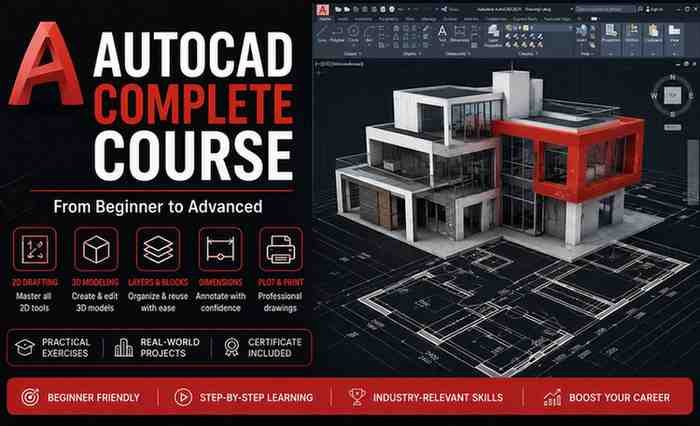
Description
If you want to learn AutoCAD from scratch and turn it into a practical, job-ready skill, the AutoCAD Complete Course on Udemy is designed to help you achieve exactly that. This review covers its content, teaching quality, advantages, limitations, and overall value.
🎯 What You’ll Learn
The course follows a logical progression from basics to practical application.
Core Skills Covered:
- Understanding the AutoCAD interface
- Using drawing tools like lines, circles, and polylines
- Modify tools such as move, copy, rotate, and trim
- Working with coordinates and units
- Precision drawing with object snaps
Intermediate Concepts:
- Layers and object properties
- Blocks and reusable components
- Layouts, model space vs paper space
- External references (XRefs)
- Annotation and hatching
Practical Outcomes:
- Create professional 2D drawings
- Design floor plans
- Convert sketches into digital CAD models
🧠 Teaching Methodology
The course uses a hands-on, project-based approach, which is ideal for mastering AutoCAD.
- Short, focused lessons
- Step-by-step demonstrations
- Practice exercises after each concept
- Real-world drawing projects
This ensures you don’t just learn commands—you understand how to apply them effectively.
👍 Key Advantages
1. Beginner-Friendly Learning Path
Perfect for users with no prior experience. Everything is explained clearly from the ground up.
2. Practical, Job-Oriented Skills
You’ll work on real drawing projects, which helps build a portfolio.
3. Structured Curriculum
The course is organized logically, making learning smooth and efficient.
4. Industry-Relevant Applications
Skills are useful for:
- Architecture
- Civil engineering
- Interior design
- Drafting roles
5. Lifetime Access
You can revisit lessons anytime, which is useful for revision and practice.
👎 Limitations
1. Focus on 2D Drafting
The course mainly covers 2D AutoCAD. Advanced 3D modeling is not included.
2. Limited Advanced Topics
It doesn’t go deep into automation, scripting, or highly specialized workflows.
3. Basic to Intermediate Depth
Advanced professionals may find it too foundational.
💼 Who Should Take This Course?
This course is ideal for:
- Beginners starting with AutoCAD
- Engineering and architecture students
- Professionals transitioning into CAD roles
- Freelancers looking to offer drafting services
It’s especially useful if you want to quickly gain practical AutoCAD skills.
📊 Course Effectiveness
This course offers strong value because it:
- Builds a solid foundation in AutoCAD
- Focuses on real-world applications
- Helps create portfolio-ready projects
- Prepares you for entry-level CAD work
It’s a practical starting point before moving to advanced tools like Revit or Civil 3D.
Summary
The AutoCAD Complete Course on Udemy is a well-structured, beginner-friendly program that effectively teaches essential drafting skills.
✔ Best For:
- Beginners
- Students and job seekers
- Practical skill-building