Description
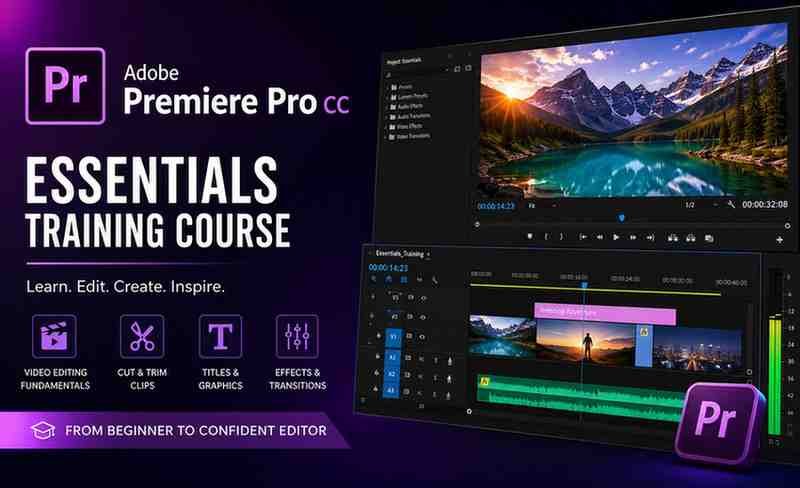
If you’re planning to start video editing or upgrade your skills, the Adobe Premiere Pro CC – Essentials Training Course is one of the most comprehensive beginner-friendly options available. Designed with a practical approach, this course focuses on real-world editing rather than just theoretical concepts.
⭐ Course Overview
This course is a bestseller with a strong reputation among learners worldwide.
It is structured to help learners build confidence step-by-step while working on real editing scenarios.
🎯 What You’ll Learn
The course provides a complete foundation in video editing, including:
- Editing interviews, documentaries, and social media content
- Creating videos for YouTube, Instagram, and marketing ads
- Adding transitions, effects, and motion graphics
- Performing color correction and color grading
- Improving audio quality (noise reduction, syncing, balancing)
- Understanding video formats, frame rates, and resolutions
- Exporting videos professionally for different platforms
It also emphasizes workflow optimization to help you edit faster and more efficiently.
📚 Course Structure & Learning Approach
The training follows a project-based learning approach, which makes it highly effective for beginners.
- Step-by-step guided lessons
- Hands-on projects using real footage
- Assignments to reinforce learning
- Gradual progression from basics to advanced editing
You will work on practical projects such as:
- Talking-head videos
- Social media clips
- Documentary-style edits
This ensures you gain practical, job-ready skills rather than just theoretical knowledge.
👨🏫 Instructor Quality
The instructor is known for a clear and engaging teaching style that simplifies complex editing concepts. The lessons are easy to follow, making the course accessible even for complete beginners.
✅ Pros
- Beginner-friendly with no prior experience required
- Strong focus on practical, real-world projects
- Covers both creative and technical aspects of editing
- Teaches efficient editing workflows and shortcuts
- Well-structured and easy-to-follow lessons
❌ Cons
- Limited focus on advanced cinematic editing techniques
- Early sections may feel slow for experienced users
- Requires a reasonably powerful computer for smooth performance
👥 Who Should Take This Course?
This course is ideal for:
- Beginners starting video editing
- YouTubers and content creators
- Freelancers offering video editing services
- Social media marketers
- Anyone looking to build a career in video editing
💡 Skills You’ll Gain
After completing this course, you will be able to:
- Edit professional-quality videos confidently
- Apply color grading and audio enhancements
- Create engaging content for multiple platforms
- Improve editing speed and workflow
- Build a strong portfolio
Summary
The Adobe Premiere Pro CC – Essentials Training Course stands out as one of the best entry-level video editing courses available today.
Its project-based approach, clear instruction, and practical focus make it a valuable investment for beginners. Instead of just teaching tools, it helps you understand the complete editing process.