Description
If you’re aiming to master video editing using Adobe Premiere Pro, this bootcamp-style course on Udemy positions itself as a complete beginner-to-advanced solution. But does it actually deliver real value, or is it just another generic editing course?
🎬 Course Overview
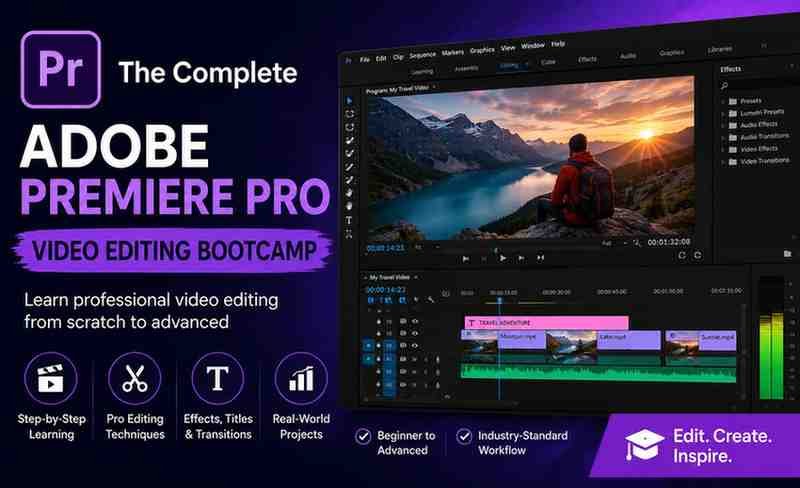
The Complete Adobe Premiere Pro Video Editing Bootcamp is designed to take learners from zero experience to professional-level video editing. It focuses heavily on hands-on learning, real-world projects, and practical workflows.
📚 What You’ll Learn
This course is structured like a real-world production pipeline rather than just theory.
Core Editing Skills
- Importing, organizing, and managing media
- Timeline editing and workflow optimization
- Cutting, trimming, and sequencing clips
Visual Enhancement
- Color correction and cinematic grading
- Adding transitions, effects, and overlays
- Creating titles, animations, and motion graphics
Audio Mastery
- Noise reduction and audio cleanup
- Syncing video and sound automatically
- Sound design basics for professional output
Advanced Editing Techniques
- Keyframe animation
- Green screen editing
- Masking and advanced effects
- Editing to music beats and storytelling flow
Export & Delivery
- Exporting for YouTube, social media, and film
- Understanding codecs, FPS, and resolution formats
🚀 Key Highlights
✅ 1. Complete Beginner-Friendly Approach
You don’t need any prior editing experience. The course starts from scratch and gradually builds up to advanced techniques.
✅ 2. Project-Based Learning
You’ll work on:
- YouTube videos
- Promo content
- Social media ads
- Real-world editing scenarios
This significantly improves retention and portfolio building.
✅ 3. Covers Both Creative + Technical Aspects
Unlike many courses that focus only on tools, this one teaches:
- Storytelling through editing
- Visual aesthetics
- Technical optimization (FPS, codecs, 4K workflows)
✅ 4. Practical Workflow Training
You’ll learn how professionals actually edit, including shortcuts, efficiency hacks, and file organization.
⚠️ Limitations
❌ 1. Not Deeply Specialized
While it covers a lot, it doesn’t go extremely deep into niche areas like:
- Advanced VFX
- High-end film color grading
❌ 2. Content Overlap with Other Courses
Many Premiere Pro courses share similar fundamentals, so experienced users may find some sections repetitive.
❌ 3. Requires Practice (Not Passive Learning)
This is not a “watch-and-learn” course—you must actively edit to see results.
👨🎓 Who Should Take This Course?
Ideal For:
- Beginners with zero editing knowledge
- YouTubers and content creators
- Freelancers entering video editing
- Social media marketers
Not Ideal For:
- Advanced editors looking for niche specialization
- Professionals focused only on cinematic filmmaking
Summary
The Complete Adobe Premiere Pro Video Editing Bootcamp is one of the most practical and beginner-friendly courses available for learning video editing.
✔ Best For:
- Fast skill acquisition
- Real-world editing projects
- Career-focused learning
✖ Not For:
- Deep cinematic or Hollywood-level editing specialization
If your goal is to start earning or creating content quickly using Premiere Pro, this course is a solid investment. It balances theory, practical application, and real-world workflows better than most beginner courses.