Description
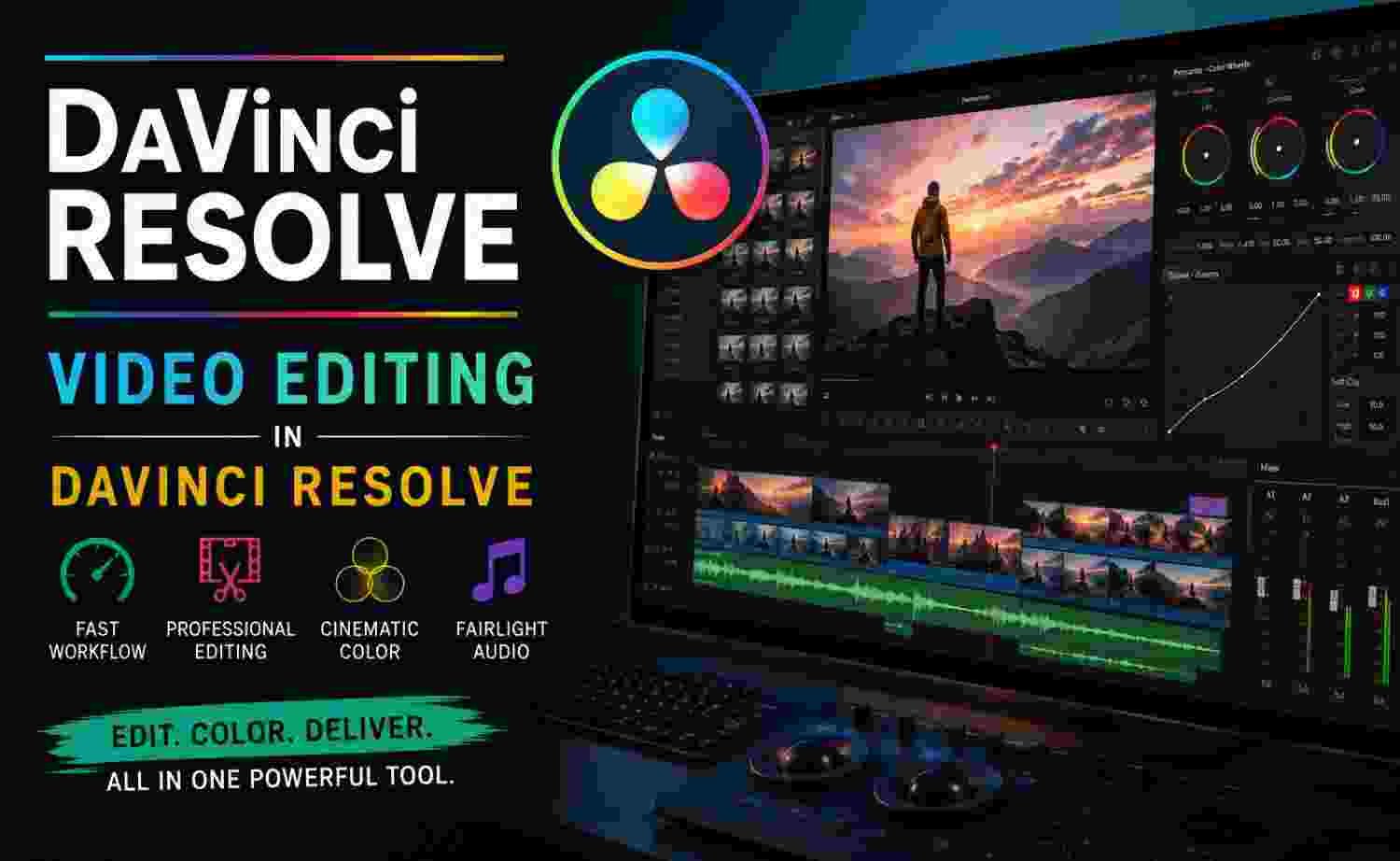
If you want to learn professional video editing without investing in expensive software, DaVinci Resolve: Video Editing in DaVinci Resolve is one of the strongest beginner-friendly options available. Built around practical editing workflows, color correction, transitions, and export settings, this course helps learners create polished videos from scratch.
This course is ideal for content creators, YouTubers, filmmakers, freelancers, and beginners who want to build professional editing skills using DaVinci Resolve.
It offers structured lessons designed to help learners understand both the technical and creative sides of video editing.
What Is This Course About?
This course teaches complete video editing using DaVinci Resolve, covering the full editing workflow from importing footage to exporting final videos.
Core topics include:
- Video editing basics
- Timeline editing
- Audio editing
- Motion graphics
- Transitions
- Color correction
- Color grading
- Green screen editing
- Video effects
- Export settings
The course follows a practical learning structure, which means you edit real videos while learning.
That makes the learning experience much more effective.
What You Will Learn
1. DaVinci Resolve Fundamentals
The course starts with software basics.
You learn:
- Interface navigation
- Project setup
- Media importing
- Timeline creation
- Workflow basics
This foundation is important for beginners.
2. Professional Video Editing
The editing section covers:
- Cutting clips
- Trimming
- Splitting footage
- Arranging sequences
- Working with multiple tracks
These are the core skills every editor needs.
3. Transitions and Titles
To make videos more engaging, the course teaches:
- Smooth transitions
- Text animations
- Lower thirds
- Professional titles
- Motion effects
These improve content quality significantly.
4. Audio Editing
Audio quality matters in professional video production.
This module includes:
- Audio adjustments
- Volume balancing
- Sound cleanup
- Music integration
- Audio fading
Good audio editing improves viewer experience.
5. Color Correction and Color Grading
One of the biggest strengths of DaVinci Resolve is color grading.
This course covers:
- Exposure correction
- White balance
- Contrast adjustment
- Creative grading
- Cinematic color looks
This is where videos become visually professional.
6. Visual Effects and Green Screen Editing
Advanced editing modules include:
- Green screen removal
- Background replacement
- Visual effects basics
- Layer blending
- Creative compositions
These features help create modern professional videos.
7. Exporting and Delivery
The final section teaches:
- Export settings
- HD rendering
- Social media optimization
- File formats
- Quality settings
Exporting correctly is critical for final quality.
Course Pros
Beginner-Friendly Structure
The course starts from zero and builds gradually.
Perfect for beginners.
Practical Learning Approach
You work on projects instead of just watching lessons.
This improves skill development.
Strong Color Grading Training
Color grading is one of DaVinci Resolve’s strongest features, and this course covers it well.
Covers Complete Workflow
From editing to exporting, everything is included.
Great for Content Creators
Useful for YouTube, social media, and freelance projects.
Course Cons
Requires a Powerful Computer
DaVinci Resolve can be demanding on hardware.
Learning Curve
The software interface can feel overwhelming at first.
Advanced VFX Are Limited
While it covers effects, it is more focused on editing than heavy VFX.
Who Should Take This Course?
This course is ideal for:
- Beginner video editors
- YouTubers
- Content creators
- Freelancers
- Filmmakers
- Social media creators
- Marketing professionals
It is especially useful for people building editing skills for online content.
Skill Level
Beginner to Intermediate
Beginners can start easily, while intermediate users can improve workflow efficiency.
Teaching Quality
The course uses a step-by-step practical teaching method.
Instead of heavy theory, the lessons focus on real editing scenarios.
This makes it easier to build actual editing skills.
Career Benefits of Learning DaVinci Resolve
Learning DaVinci Resolve can help in careers such as:
- Video Editor
- YouTube Editor
- Content Creator
- Freelance Editor
- Film Editor
- Social Media Video Specialist
Video editing continues to be one of the highest-demand digital skills.
Is This Course Worth It?
Yes. If your goal is to learn professional editing using DaVinci Resolve, this course offers strong value.
It provides:
- Complete editing workflow
- Color grading training
- Audio editing skills
- Export optimization
- Practical projects
That makes it a strong investment for beginners.
Summary
DaVinci Resolve: Video Editing in DaVinci Resolve is a practical and beginner-friendly course for anyone serious about video editing.
Its combination of editing fundamentals, color grading, effects, and project-based learning makes it one of the better beginner options for mastering DaVinci Resolve.