




Description
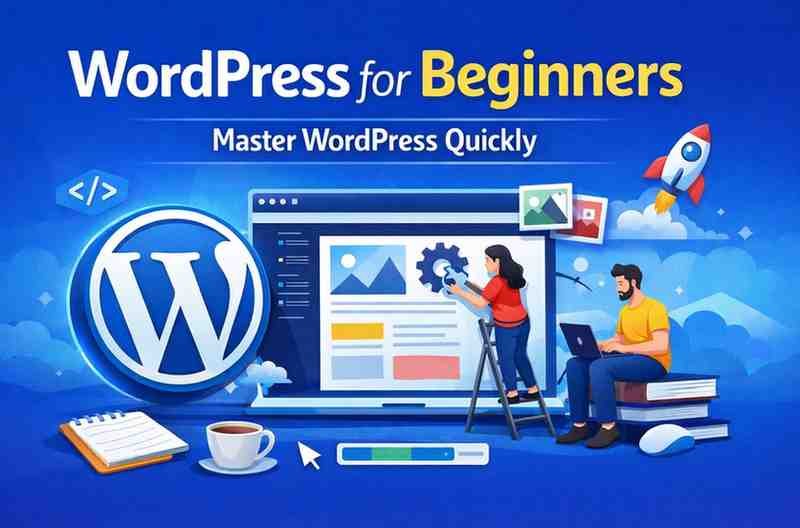
If you want to build professional websites, blogs, or business sites without coding, WordPress is the best platform to start with. Udemy’s “WordPress for Beginners – Master WordPress Quickly” course is one of the most recommended training programs for absolute beginners who want to learn WordPress step by step in a simple and practical way.
This course is designed to help beginners understand WordPress from scratch and confidently build fully functional, responsive, and well-designed websites in a short time.
What This WordPress Course Covers
This beginner-friendly WordPress course provides complete guidance from installation to website launch. Here is what you will learn inside the course:
1. WordPress Installation & Basic Setup
You will learn how to install WordPress on hosting or a local computer, configure the dashboard, and prepare your website for customization.
2. Understanding the WordPress Dashboard
The course explains all key dashboard sections including settings, tools, updates, pages, posts, themes, and plugins in a very easy manner.
3. Creating Posts, Pages & Website Structure
Learners understand how to create pages, blog posts, menus, navigation, and build a strong site structure that is easy for users and search engines.
4. Themes & Website Customization
You will learn how to choose the right WordPress theme, customize design elements, and make your website visually attractive without coding knowledge.
5. Plugins & Website Enhancements
The course teaches how plugins work, how to install them safely, and how to extend functionality such as contact forms, security tools, page builders, galleries, backups, and more.
6. SEO & Website Optimization Basics
You also learn the fundamental SEO practices, website speed improvements, responsive design essentials, and optimization techniques to make your website user-friendly and Google-friendly.
Learning Experience & Teaching Style
The course is structured in a simple, easy-to-follow format. Each lesson is practical and focuses on real implementation rather than theory. The instructor explains concepts clearly, demonstrates every step live on screen, and ensures even beginners can follow along comfortably.
This hands-on approach helps learners build their own website while learning, which makes the learning experience engaging and highly effective.
Key Advantages of This Course
✔ Best for absolute beginners
✔ Step-by-step practical lessons
✔ Simple and clear explanations
✔ Helps you build a real website while learning
✔ No coding required
✔ Covers all essential WordPress features
Limitations You Should Know
This course mainly focuses on WordPress basics. If you want to learn advanced WordPress development such as coding, custom theme development, plugin creation, or advanced optimization techniques, you may need advanced courses after completing this one. However, as a beginner starter course, it performs excellently.
Who Should Enroll in This Course?
This WordPress beginner course is ideal for:
• Beginners who want to learn WordPress from scratch
• Bloggers and content creators
• Students and freelancers
• Small business owners
• Website hobbyists
• Anyone who wants to build websites without coding
Is This WordPress Course Worth It?
Yes. “WordPress for Beginners – Master WordPress Quickly” is absolutely worth enrolling in if you want to start your WordPress journey confidently. It delivers clear explanations, practical training, and a well-structured curriculum that helps beginners build real websites fast.
If your goal is to learn WordPress quickly, avoid confusion, and gain practical website building skills, this course is one of the best choices available online.
Frequently Asked Questions (FAQ)
Is this course suitable for complete beginners?
Yes, this course is created specifically for beginners with zero technical background.
Do I need coding knowledge?
No, you do not need to know coding to learn or build websites using this course.
Can I build real websites after completing this course?
Yes, you will be able to create, customize, and manage fully functional WordPress websites confidently.
Is this course good for blogging?
Absolutely. It covers everything required to start and manage a professional blog.

Reviews
There are no reviews yet.