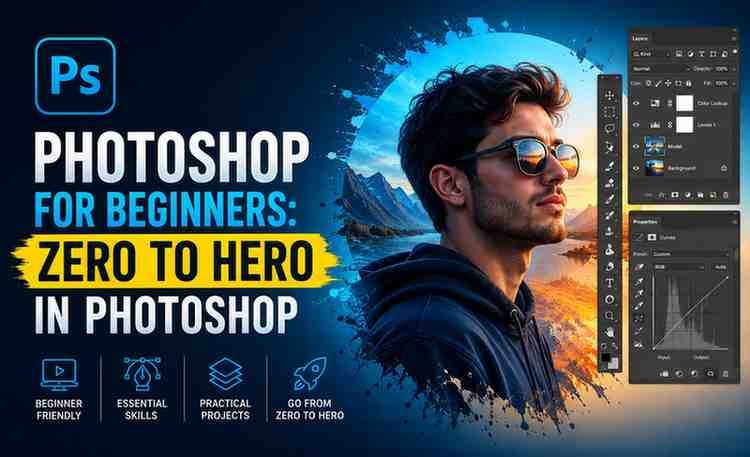
Description
If you’re looking to master photo editing, graphic design, or digital creativity, Photoshop for Beginners: Zero to Hero in Photoshop is a strong entry point. This course is designed specifically for absolute beginners who want to build practical, job-ready skills in Adobe Photoshop without feeling overwhelmed.
Here’s a detailed, no-fluff review to help you decide whether it’s worth your time and investment.
⭐ Course Overview
This course follows a step-by-step progression model, taking learners from zero knowledge to confidently handling real-world Photoshop projects. It focuses on hands-on learning, meaning you won’t just watch—you’ll actually create.
Core promise:
Turn a complete beginner into a confident Photoshop user capable of editing images, designing graphics, and working on freelance or personal projects.
🎯 What You Will Learn
The course covers all foundational and intermediate Photoshop concepts in a structured way:
1. Photoshop Interface & Tools
- Understanding workspace layout
- Toolbars, panels, and shortcuts
- Navigation and workflow optimization
2. Image Editing Fundamentals
- Cropping, resizing, and transforming images
- Color correction and adjustments
- Working with brightness, contrast, and tones
3. Layers & Masking (Core Skill)
- Layer management (essential for everything in Photoshop)
- Layer styles and blending modes
- Masking techniques for non-destructive editing
4. Retouching & Enhancement
- Skin retouching techniques
- Removing unwanted objects
- Improving image quality professionally
5. Text & Graphic Design
- Typography basics
- Creating social media posts, banners, and thumbnails
- Combining images and text effectively
6. Practical Projects
- Real-world assignments
- Design exercises to build a portfolio
- Creative compositions
🧠 Teaching Style & Structure
The instructor uses a beginner-friendly, practical teaching approach:
- Short, focused lessons
- Step-by-step demonstrations
- Real-time editing examples
- Minimal theory, maximum execution
This format is particularly effective for:
- Self-learners
- Busy professionals
- Aspiring freelancers
👍 What Works Well
✔ Beginner-Focused Learning Curve
No prior experience required. The course avoids jargon and explains everything clearly.
✔ Hands-On Practice
You learn by doing, which significantly improves retention.
✔ Covers High-Value Skills
Instead of random features, it focuses on:
- Photo editing
- Social media design
- Real-world use cases
✔ Portfolio-Oriented
By the end, you’ll have actual projects you can showcase.
👎 Limitations
❌ Not Advanced-Level
If you’re already experienced, this may feel basic.
❌ Limited Deep Design Theory
Focus is more on tools than on:
- Advanced composition
- Branding strategy
- Professional design systems
❌ May Require Self-Practice
To truly master Photoshop, you’ll need to:
- Practice beyond the course
- Work on independent projects
💼 Who Should Take This Course?
This course is ideal for:
- Beginners with zero Photoshop knowledge
- Students interested in graphic design
- Freelancers wanting to offer design services
- Content creators (YouTube, Instagram, blogs)
- Digital marketers needing visual skills
🚀 Career & Income Potential
After completing this course, you can start working on:
- Freelance image editing projects
- Social media design gigs
- Thumbnail creation for YouTubers
- Basic graphic design services
With consistency, this skill can evolve into:
- Freelancing income streams
- Agency work
- Digital product creation (templates, presets)
Summary
Photoshop for Beginners: Zero to Hero in Photoshop is a well-structured, practical, and beginner-friendly course that delivers exactly what it promises.
It won’t make you an advanced designer overnight—but it gives you a solid, monetizable foundation, which is what most beginners actually need.
🧾 Should You Enroll?
YES — if:
- You’re starting from scratch
- You want practical Photoshop skills quickly
- You prefer learning by doing